Can you schedule Instagram story caption text?
By HamzaPublished
In short
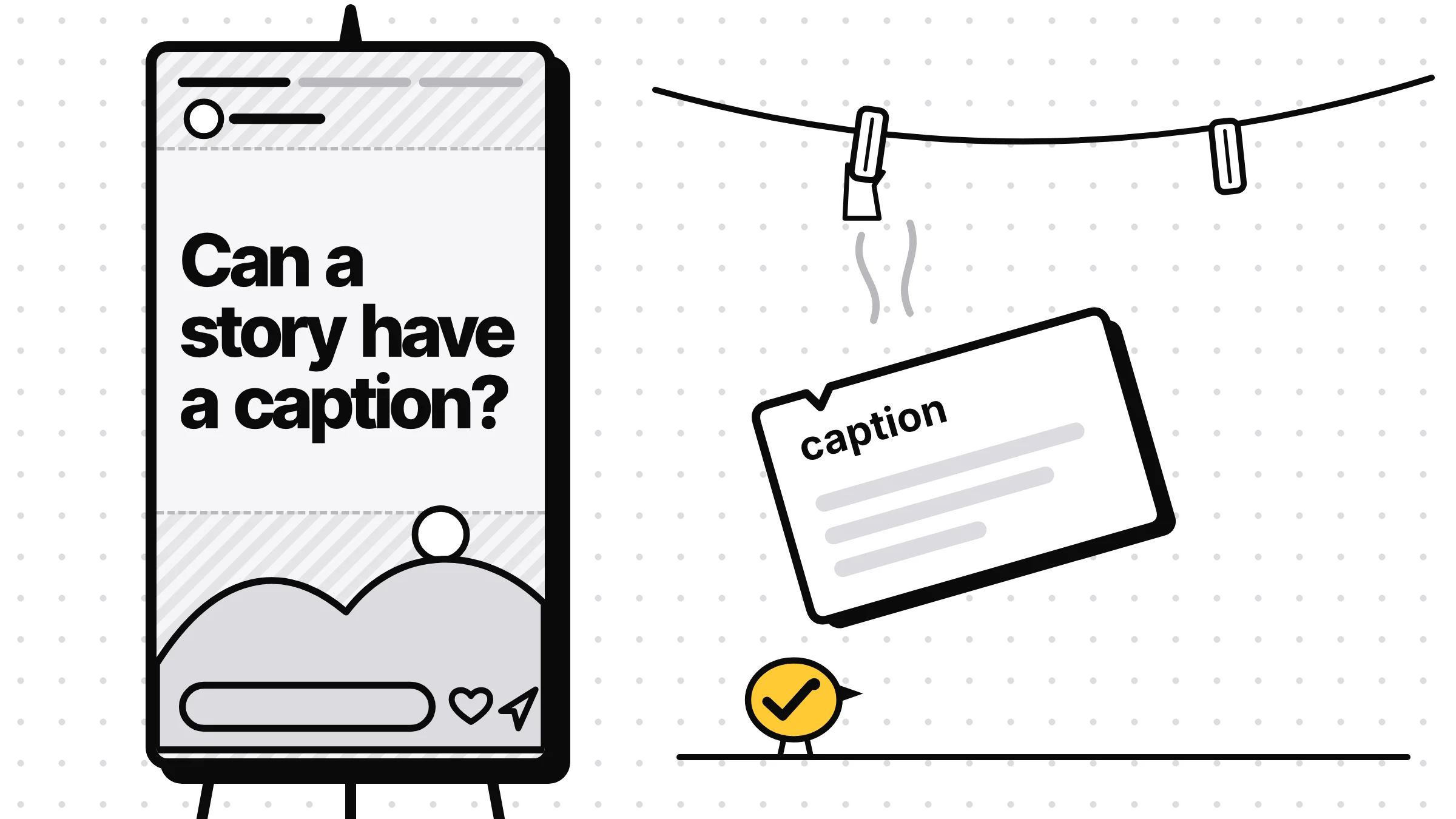
Not as a caption. When a scheduling tool posts an Instagram or Facebook story through Meta's API, only the photo or video goes up. There's no caption, and no link, poll or location sticker, so put your words on the picture itself, at 1080 x 1920. If the story needs a sticker or a link, schedule it in Meta Business Suite on a computer, which keeps them, or post it from the app.
Why you can't schedule Instagram story caption text
If you schedule Instagram story caption text in a scheduling tool, it won't appear on the story, and that's not your tool being broken. Stories posted through Meta's API carry only the photo or video. There's no caption field, and no link, poll or location stickers. The words have to be on the picture before you upload it.
Meta's Instagram API reference says "Publishing stickers (i.e., link, poll, location) is not supported", and its story request has no caption field. Zernio, the service Yaybird posts through, puts it plainly in its Instagram docs: stories "show no caption, and get no link sticker". Facebook Page stories are the same: "Captions are not displayed" and "Interactive stickers are not available through the API", says Zernio's Facebook page.
Some tools still show a caption box for stories. Read their small print: Publer's help says it sends you a reminder and copies the story's caption to your clipboard, so you paste it in the app yourself, and Later's guide says auto-publishing "does not support stickers, links, or audio". The caption you type there never reaches the story on its own.
What to do instead
- Put the words on the picture. Price, date, "link in bio", whatever you'd have said in the caption. A 1080 x 1920 image with the text baked in posts as you made it. If the words are a post you already wrote, our free tweet to image tool turns it into a Story-sized card.
- Keep them in the middle. Meta's ad specs for Instagram stories and Facebook stories say to leave about 14% at the top, 35% at the bottom and 6% at each side free of text. On 1080 x 1920 that's the top 269 px, the bottom 672 px and 65 px at each side. The progress bar and your name sit at the top, the reply bar at the bottom.
- Need a sticker or a link? Use Meta Business Suite. Meta's help on stories in Meta Business Suite on desktop says you can "add text, mentions or stickers", click Add link, and then pick Schedule, for Instagram, your Facebook Page or both. That's the scheduling route that keeps them.
- Sponsored story? Post it from the Instagram app, where Instagram's help shows how to add the paid partnership label to a story. Zernio's Instagram fields say a story sent through the API with that label is refused.
The size rules
| Instagram story | Facebook story | |
|---|---|---|
| Shape | 9:16, 1080 x 1920 | 9:16, 1080 x 1920 |
| Photo | JPEG, up to 8 MB | JPEG or PNG, keep it under 4 MB |
| Video | 3 to 60 seconds, up to 100 MB | Keep it 3 to 60 seconds |
| Items | One photo or video per story | One photo or video per story |
| Stays up | 24 hours | 24 hours |
Instagram's numbers come straight from Meta's API reference, and Zernio's media page matches them. Meta's API takes only JPEG photos, though some schedulers, Zernio among them, accept PNG too.
Facebook's sources disagree. Meta's Page Stories API gives video as "3 to 90 seconds" in one table, then says "A video story can not exceed 60 seconds" under its limits. It allows photos up to 10 MB, while Zernio's Facebook media page says Facebook rejects images over 4 MB and allows story videos up to 120 seconds. The numbers in the table are the ones every source agrees on, so a story within them fits every source.
Each story is one photo or video. If you give a tool several at once, check what it does: Zernio's Instagram docs say that when a story request has several items, only the first is used.
How Yaybird handles stories
When you post to Instagram or Facebook with Yaybird, each one has a Feed post or Story choice. Pick Story and the composer says it up front: "One 9:16 photo or video, shown for 24 hours. Stories show no caption and take no first comment."
If a caption is there anyway, from you or from an AI app, the check says "Instagram stories show no caption, so this caption is not posted" rather than dropping it without a word. Your brand's caption rules don't apply to a story either, and the check says so, with a reminder to put anything required, like #ad, on the picture. A photo that isn't 9:16, a second item, a first comment or a cover is caught before you approve. And on a 9:16 picture, Yaybird reads the words and warns when they sit under the bars at the top or bottom.
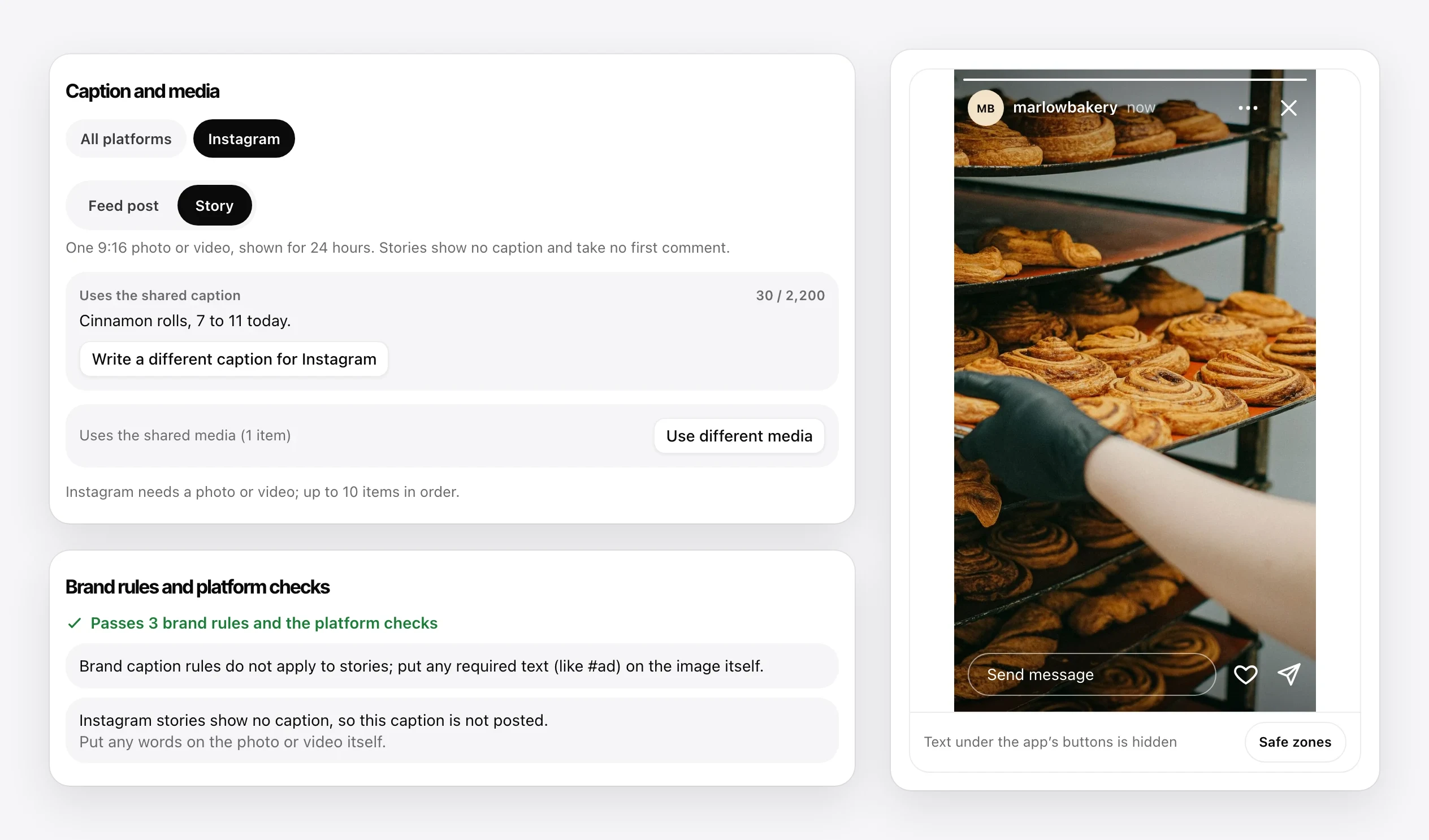
A story an AI app drafts waits for you like any other post, so you approve it from your phone before it goes out. If a scheduled story or post never appeared, this guide to Instagram posts that didn't post walks through the usual causes.
Questions
Can I add a link to a scheduled Instagram story?
Not through a scheduler that uses Meta's API, since link stickers aren't supported there. Meta Business Suite lets you add a link to a story and schedule it, or you can add the link sticker in the Instagram app when you post.
How long does a scheduled story stay up?
24 hours from the moment it posts, like any story. Scheduling sets when it starts, not how long it lasts.
Can ChatGPT schedule an Instagram story?
Not by itself. Connected to a scheduler, it can draft the story and its time, and the scheduler posts it. With Yaybird, it waits for your approval unless you've set the brand to post on its own.
Can I mention someone in a scheduled story?
Meta's API can tag accounts on a story, so some schedulers offer it. Yaybird doesn't yet. Otherwise, write the @name on the picture or add the mention in the app.
Drafted with AI from our research, fact-checked against the platforms' docs and our code, and reviewed by Hamza.

About the author
I build Yaybird, where your AI writes the posts and you approve them on your phone.