Can you add music to scheduled Instagram posts and TikToks?
By HamzaPublished
In short
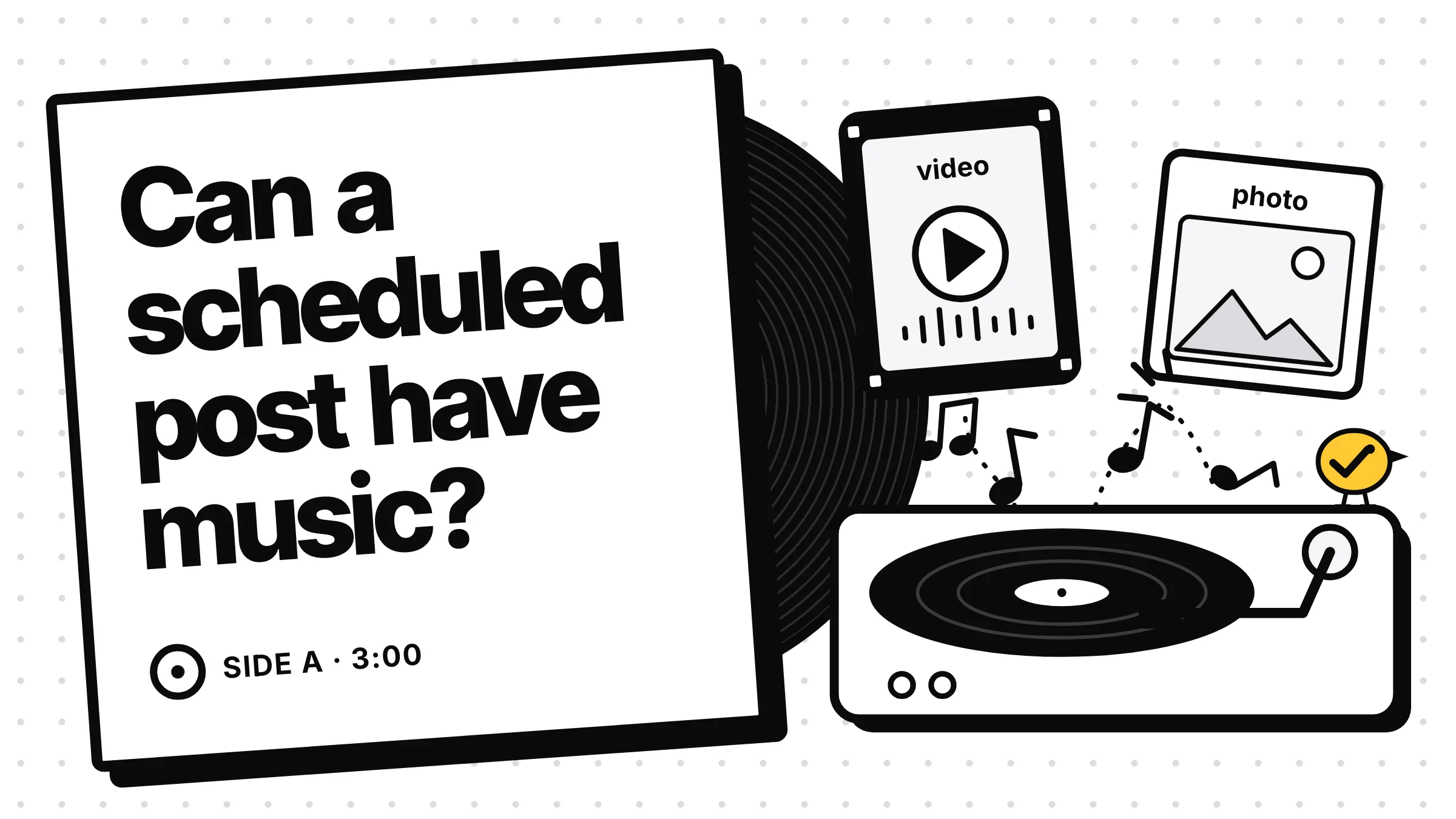
Yes for Reels and TikTok videos, in three cases: you schedule in Instagram's or TikTok's own app, your scheduler uses the music the platforms now open to apps (Meta since June 2026, Reels only), or the music is already in your video file. No scheduler can add a library song to an Instagram photo, carousel or story. For a trending sound you can't get any other way, post that one by hand.
How to add music to scheduled Instagram posts: what works
You can add music to scheduled Instagram posts if they're Reels, in one of three ways: schedule it in the Instagram app, use a scheduler that supports Meta's new audio option for apps, or put the music in the video before you upload it. TikTok works the same way, plus a TikTok option that picks music for photo posts. What no scheduler can do is add a song from Instagram's library to a photo, carousel or story.
| How you schedule | TikTok | |
|---|---|---|
| In the platform's own app | Pick music as you make the Reel, then schedule it | Pick a sound as you make the post, then schedule it |
| A scheduler with the platform's music for apps | Reels only, from the songs Meta allows apps to use | Videos and photos, from the Commercial Music Library, on some connections |
| Music already in your file | Works for any video | Works for any video |
| Photo posts | Only in the Instagram app | TikTok can add a song it picks for you |
Instagram: Reels can get library music since June 2026
Several guides that rank for this still say Instagram's API takes no music at all. That was true until this year. On June 1, 2026, Meta's Instagram Platform changelog added the Instagram Audio API, and its documentation explains how it works. An app can search for music or other creators' original sounds and attach one to a Reel when it creates the post, with its own volume and the video's volume.
The catches:
- Reels only. Meta's page covers Reels and nothing else, and Zernio, which publishes our posts, says on its Instagram posts page that stories, photos and carousels reject a track.
- Only accounts connected through Facebook. The account needs a Facebook Page and a connection made through Facebook Login. A connection made with Instagram Login can't use it. If your scheduler shows no music button, this may be why.
- Not every song. Meta returns only audio "authorized for third party use", and says the choice may differ from the app.
- No preview. Meta says you can't preview the Reel with its music before it goes live.
Zernio adds one more gotcha: if the track is removed or blocked between scheduling and posting time, the post fails. It doesn't go out with other music. So check scheduled music posts the morning they're due.
TikTok: two ways music gets on a scheduled post
TikTok's Content Posting API, its public way for apps to post, has no music setting for videos. A video goes out with the sound in the file. For photo posts, TikTok's photo post reference has one switch, auto_add_music: TikTok adds a recommended song, and you can change it in the app later. You don't choose the song.
Accounts connected through the TikTok for Business app can get more. Zernio's TikTok music docs fetch the 100 trending tracks of TikTok's Commercial Music Library and let you attach one, with a start point and volume on videos. That library is what business accounts get anyway: TikTok's help page says business accounts "will only see sounds from the Commercial Music Library."
Any app that posts to TikTok must also show you this line before you post, under TikTok's content sharing guidelines: "By posting, you agree to TikTok's Music Usage Confirmation." The confirmation asks you to confirm the video has no copyrighted music, or that you hold licences for both the song and the recording.
Music in the file: what to watch
Mixing the music into the video in CapCut, Premiere or Canva works with every scheduler. It plays as your own sound. Two things to know:
- Instagram listens. Its help center says that when it detects licensed audio in a video you uploaded, it switches the label from Original Audio to the artist and song. If you don't have the rights, the audio help page lists muting as what can happen.
- Use music you're allowed to use. For a business, that means royalty-free tracks, Meta's Sound Collection, TikTok's Commercial Music Library, or music you've licensed. A popular song you mixed in yourself needs your own licence, which is exactly what TikTok's confirmation asks you to have.
When the post needs a trending sound
A trend sound is the case none of this solves well: the exact sound is in the app, and no scheduler can reach it. Post that one from the app, at the time you planned.
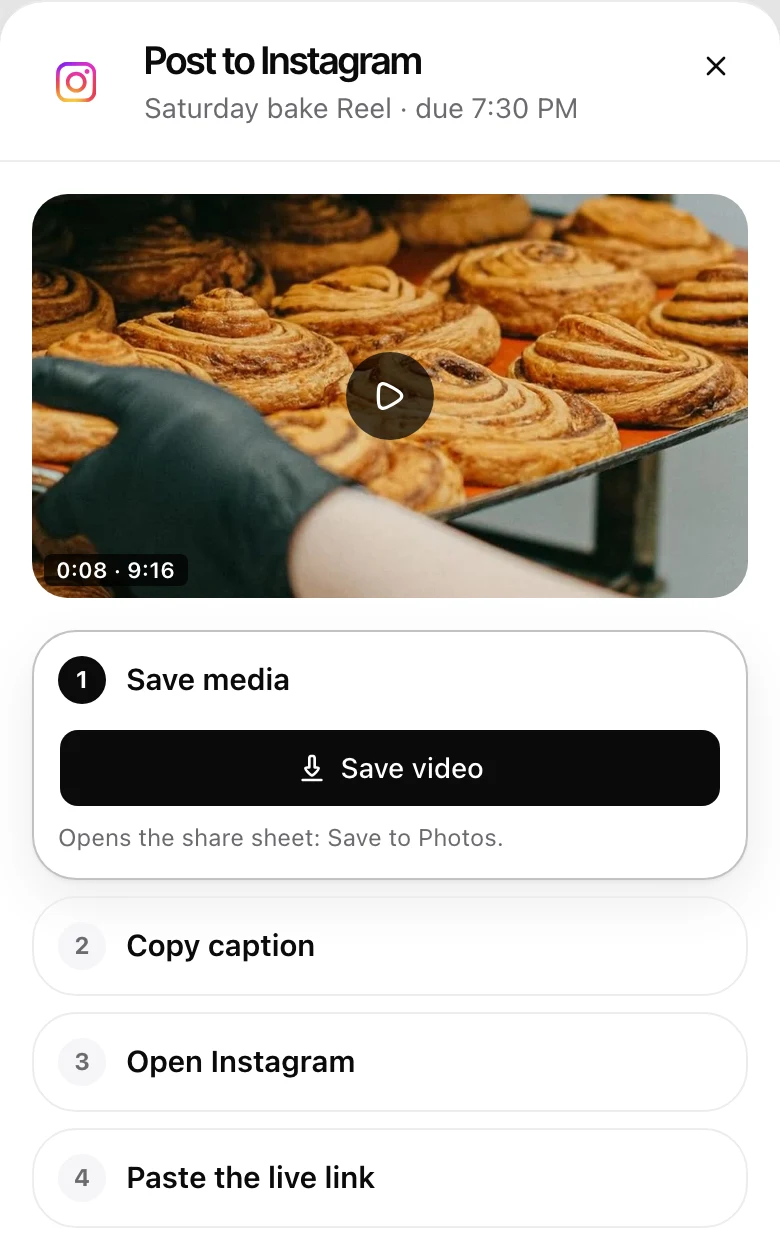
That's what posting by hand is for in Yaybird, which I built. Yaybird posts the sound that's in your file. It doesn't add tracks from Instagram's or TikTok's library. For a Reel that needs one, set that platform to By hand. The post is still written and approved ahead. On the day, it shows on Today under "To post by hand today", in four steps: save the video, copy the caption, open the app (add the sound there), and paste the live link to mark it posted. The other platforms on the same post still go out on their own.
The size and safe zone rules don't change with music: our Instagram rules and TikTok rules pages list them, and the TikTok photo post guide covers slides. If a scheduled post went out wrong or not at all, why Instagram scheduled posts fail has the error codes.
Questions
Can I add music to a scheduled Instagram story?
Not through a scheduler. Meta's audio option for apps works on Reels only, and Zernio, which publishes our posts, says stories, photos and carousels reject it. Put the music in the video file, or post the story from the Instagram app.
Why did my scheduled Reel go out with the music muted?
Instagram's help center gives three reasons: your account type or country doesn't have the Licensed Music Library, the rights holder blocked it, or a licensing deal changed. Its fix is a track from Meta's Sound Collection, which Meta calls royalty-free.
Why can't my business account find popular songs?
Both apps limit business accounts. Instagram says its Licensed Music Library isn't available for every account type or country. TikTok says business accounts only see its Commercial Music Library, the songs cleared for brands.
Drafted with AI from our research, fact-checked against the platforms' docs and our code, and reviewed by Hamza.

About the author
I build Yaybird, where your AI writes the posts and you approve them on your phone.