Schedule first comments on Instagram, LinkedIn and more
By HamzaPublished
In short
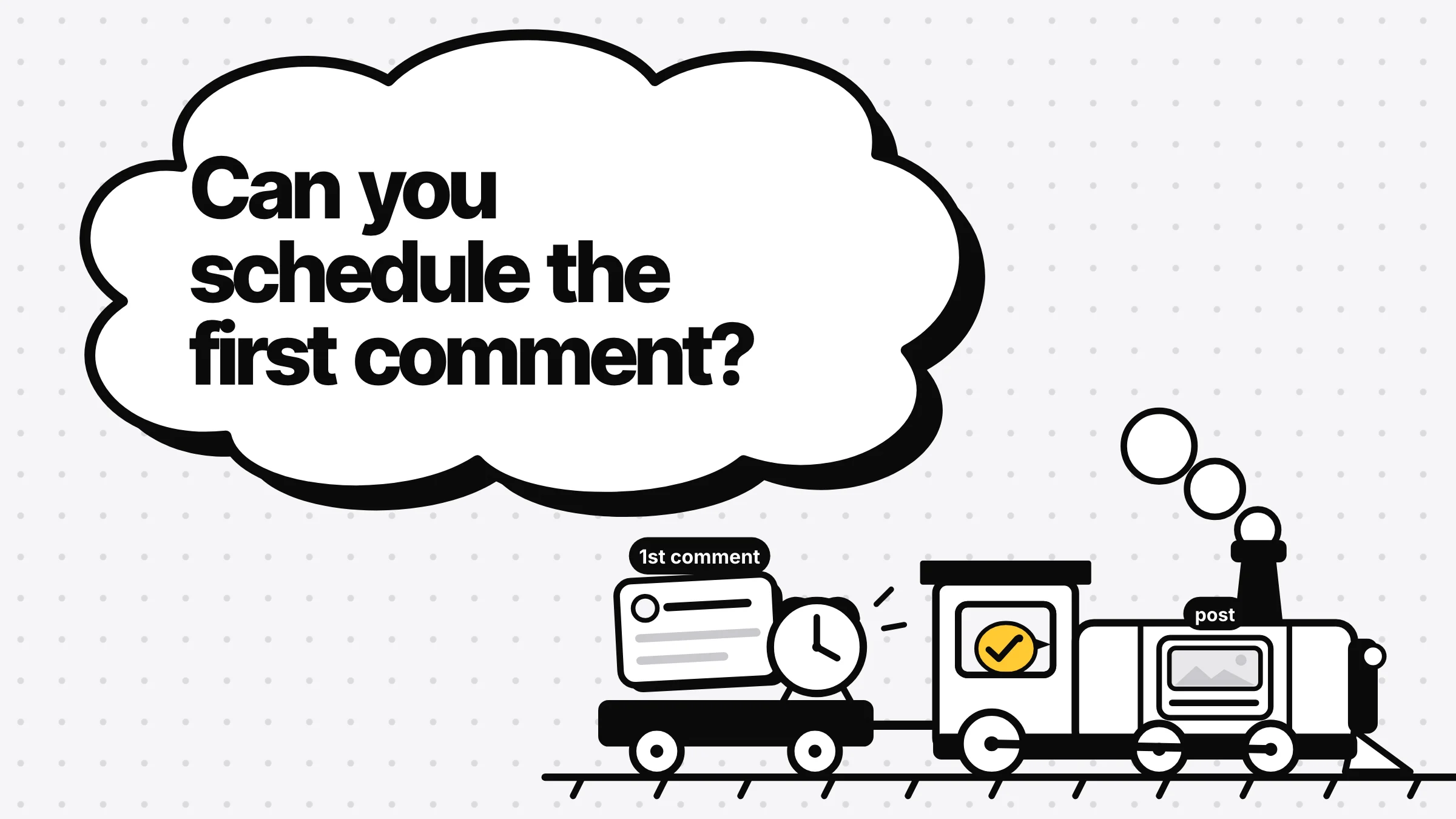
You can schedule a first comment on Instagram, Facebook, LinkedIn, Threads and YouTube with a scheduler that posts it right after the post goes out; as far as I could find, the platforms' own schedulers don't offer one. TikTok's posting API can't add one, X and Bluesky take a thread instead, and Pinterest's API has no comments. On YouTube the comment goes up but isn't pinned, so pin it yourself.
Where you can schedule first comments
You can schedule first comments on five platforms: Instagram, Facebook, LinkedIn, Threads and YouTube. You need a scheduler for it. It publishes the post, then posts your comment from the same account a moment later. Instagram's own scheduler, Meta Business Suite, LinkedIn and YouTube Studio don't offer a first comment box, as far as I could find. TikTok, X, Bluesky and Pinterest work differently, covered further down.
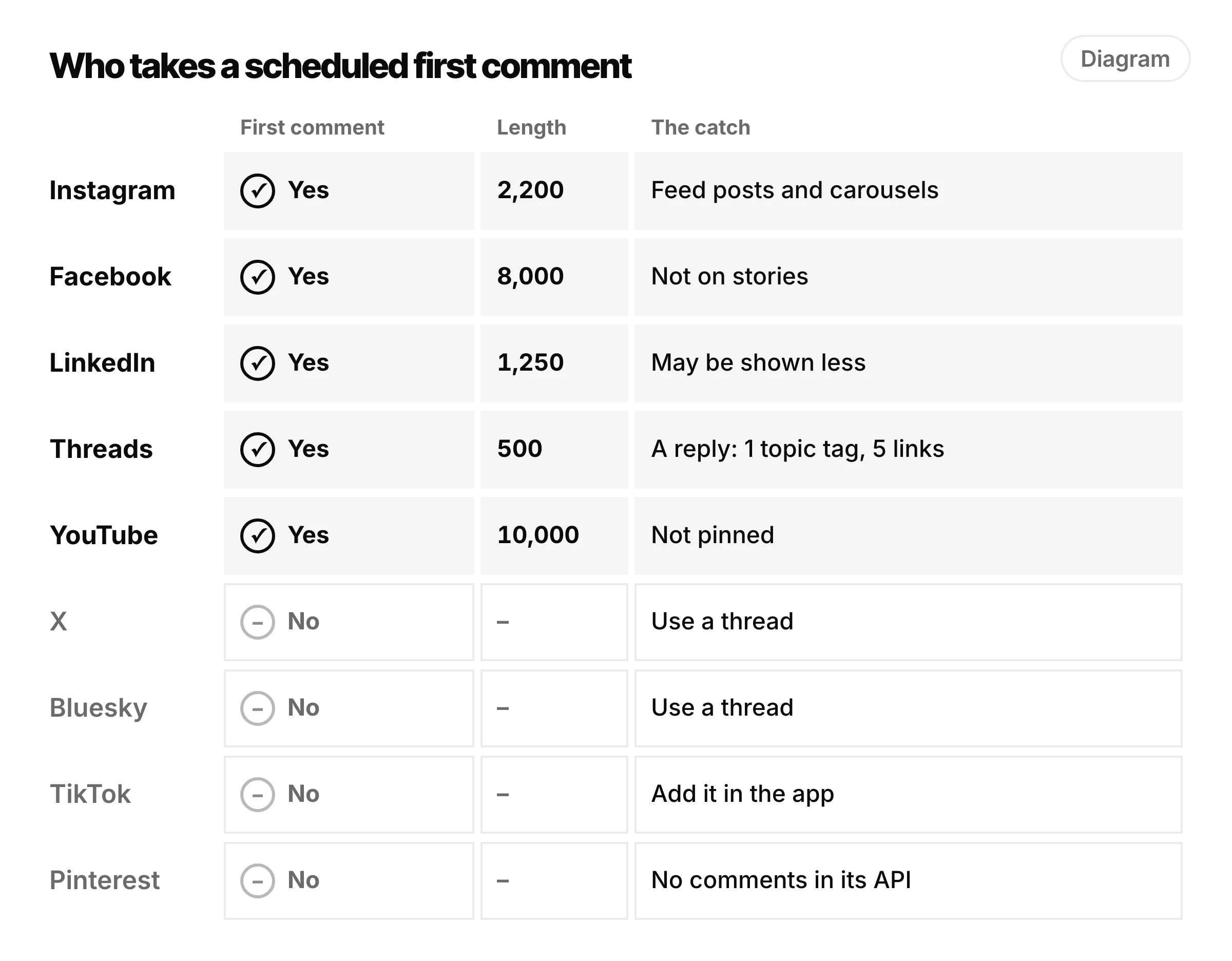
Here is what each of the five takes. The limits are what Yaybird checks. Only Threads publishes its own: Meta's Threads API docs say a text post is "limited to 500 characters", and a reply is a post. The others don't publish a comment limit, so these are the figures most guides give, and 10,000 for YouTube is what Zernio's docs state.
| Platform | Takes a first comment on | Length | Watch out for |
|---|---|---|---|
| Feed posts and carousels | 2,200 | Hashtags count toward the 5 with the caption's | |
| Page posts and Reels | 8,000 | Not on stories | |
| Posts | 1,250 | LinkedIn may show automated comments less | |
| Threads | Posts, as a reply | 500 | A reply is its own post: 1 topic tag, 5 links |
| YouTube | Videos and Shorts | 10,000 | Not pinned; added when the video goes live |
| X, Bluesky | A thread instead | See below | |
| TikTok, Pinterest | Not through their posting APIs | See below |
The catches, platform by platform
Instagram. Stories don't take one. Reels do have comments, but Yaybird doesn't add a first comment to one: Zernio, the service Yaybird publishes through, lists first comments for "Feed posts and carousels". Some other schedulers do post them on Reels. Hashtags are the bigger trap. Instagram's limit is 5, and its help says past 5 "your comment won't post", so a comment full of tags can quietly fail. I went through the sources in Instagram's hashtag limit and the first comment.
Facebook. First comments work on Page feed posts and Reels, not on stories, per Zernio's Facebook docs. They go up as your Page, like the post.
LinkedIn. Whether the link should go in the post or the first comment is its own question, and I covered the evidence in LinkedIn: link in comments or post. The one unknown for scheduling: LinkedIn's help says it may limit the visibility of comments when it detects "use of an automation tool", and doesn't say whether a scheduled first comment counts.
Threads. The first comment goes up as a reply to your post, and a reply is a post in its own right, so it gets its own limits: one topic tag and 5 links, the same as the post. Meta caps a profile at 250 API posts and 1,000 replies a day, far more than a normal schedule uses.
YouTube. Two catches. On a video scheduled for later, the comment is added once the video goes live, not at upload (Zernio: "posted at the scheduled time, not at upload time"). And it isn't pinned. YouTube's comments API can add, edit, delete and moderate comments, but has no pin. To pin it, open the video's comments in YouTube Studio, tap the comment, then More and Pin.
TikTok, X, Bluesky and Pinterest
- TikTok. Its posting API has a setting to turn comments off on the post, and nothing to add one. Zernio doesn't offer one on TikTok either. A few schedulers say they can; if yours does, check the first post by hand. Otherwise add yours in the app after it goes live.
- X and Bluesky. A comment on your own post is a reply, and a chain of your own replies is a thread. So schedule a thread instead: the post, then a second part with the extra text. Yaybird does this on X, Threads and Bluesky, up to 25 parts counting the post. On X, keep the link in the first part.
- Pinterest. Its API exposes no comments (Zernio: "Pinterest exposes no DMs or comments"). Put everything in the pin's description.
If you post without a scheduler
Schedule the post in the app as usual, set a reminder for the time it goes out, and add the comment yourself from the same account within a minute or two. Keep the comment written somewhere you can copy it on your phone.
When the comment doesn't show up
The post stays live either way, so a failed comment is easy to miss. Likely causes are a rule the comment broke and the post didn't: too many hashtags on Instagram, too many links on Threads, or a Reel on a tool that only comments on feed posts. Open the post a few minutes after it goes out and check. If it isn't there, add it by hand.
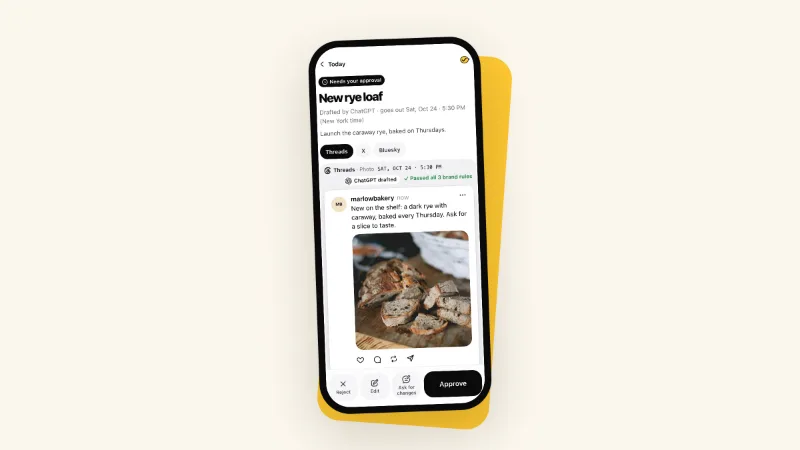
This is the part I cared about when I built first comments into Yaybird. It checks the comment like the caption, before you approve: length, hashtags across both, links on Threads, Reels, your brand rules. The comment is part of what you approve, so if your AI app changes it afterwards, the post waits for you again. On a platform set to post by hand, Yaybird shows the comment with a Copy button after the caption. And since the platforms don't confirm the comment went up, Results says it was sent with the post and asks you to check it. For each platform's other limits, see what Yaybird checks on Instagram or on YouTube.
Questions
Can I schedule a first comment on TikTok?
Not through TikTok's posting API, which schedulers publish with. It can turn comments off on a post but has no way to add one. A few tools say they do it anyway, so check the first one by hand. Otherwise post the video, then add your comment in the TikTok app.
Do hashtags in the first comment count toward Instagram's 5?
Instagram's help says past 5 hashtags your comment won't post, so count the caption and the first comment together. More on that in the post on Instagram's hashtag limit.
Why isn't my scheduled YouTube comment pinned?
YouTube's API can add a comment but has no way to pin one. Open the video's comments in YouTube Studio, tap the comment, then More and Pin.
Does a scheduled first comment hurt reach?
No platform says so. LinkedIn's help says it may limit the visibility of comments made with automation tools, without saying whether scheduled first comments count.
Drafted with AI from our research, fact-checked against the platforms' docs and our code, and reviewed by Hamza.

About the author
I build Yaybird, where your AI writes the posts and you approve them on your phone.