How to post to Threads from a computer and schedule it
By HamzaPublished
In short
Go to threads.com in any browser, sign in, click New thread, write your post and click Post. To schedule it instead, open the three-dot menu at the top right of the composer, choose Schedule, pick a date and time and confirm. No app or emulator needed.
How to post to Threads from a computer
You can post to Threads from a computer in any browser. Go to threads.com, sign in with your Instagram or Facebook account, click New thread, write your post and click Post. You can schedule it from the same box. Guides that send you to an Android emulator are from before Threads came to the web in August 2023.
The steps, from Threads' help center and the threads.com composer as it looked on October 22, 2026:
- Open threads.com and sign in. Threads' help center says anyone with an Instagram or Facebook account can make a Threads profile.
- Click New thread in the left sidebar, or the "What's new?" box at the top of your feed. (The help center calls it New post, at the bottom right.)
- Write your post. The row under the text adds photos or videos, a GIF, an emoji, a sticker, a poll, a quote post, a text attachment, a location and music.
- To tag a topic, type
#and the topic. - To limit who can reply and quote, use the reply setting at the bottom left. The help center calls it Anyone can reply & quote; on threads.com on October 22, 2026 it read Post Options.
- Click Post.
How to schedule a Threads post on the web
Threads added scheduling in January 2025. On threads.com on October 22, 2026, it was in the composer:
- Write the post in the composer as above.
- Click the three-dot menu at the top right of the composer and choose Schedule….
- Pick a day and a time, then click Done.
- Confirm with the button at the bottom right. Threads' own post says you tap Schedule again.
On October 22, 2026, the last day the date picker offered was January 5, 2027. That's 75 days ahead, the same limit AlternativeTo reported at launch. Threads says scheduled posts go to your drafts, where you can edit or delete them. On threads.com that's the drafts icon at the top of the composer.
If you search the Instagram help center, its Meta AI support assistant may tell you Threads can't schedule posts. It did when we searched on October 22, 2026. That's out of date: the option is in the composer.
The limits that catch people
- 500 characters. Meta's developer docs say text posts are limited to 500 characters. On threads.com a counter appears near the end, and at -1 the Post button turns grey.
- Emoji may count differently in tools. In the threads.com composer one smiley emoji took 1 off the counter. Meta's developer docs say that through the API, emoji count as "the number of UTF-8 bytes", which would make a smiley 4, though the page links that phrase to a library that counts it as 1. So an emoji-heavy post can fit on the website and fail from a tool. Leave a little room.
- Longer text goes in a text attachment. The Attach text button opens a separate editor. Meta says it holds up to 10,000 characters, on top of the 500 in the post, with bold, italic, underline, strikethrough and highlight. Meta's API docs allow it only on text posts, with no photos, video or poll.
- One topic tag. Threads' help center says you can tag one topic per post, up to 50 characters, with or without the
#. Meta's API docs say that if a post has several, the first valid one is used. - Up to 5 links. Meta's API docs say posts with more than 5 links fail since December 22, 2025.
- Drafts don't sync. Threads' help center says a draft saved on threads.com is only on threads.com, and an app draft is only in the app.
- 15 minutes to edit. You can edit only the text, only for 15 minutes. Proofread before you click Post.
Posting a multi-part thread
Under your post in the composer there's Add to thread. Each part you add is meant to go out as a reply to the one before, so you can post a whole thread from your computer in one go.
Threads doesn't say whether a multi-part thread can be scheduled. When scheduling was in testing, TechCrunch reported that replies couldn't be. If it matters, schedule a test thread and check it before you rely on it.
Scheduling Threads posts with a tool
The built-in scheduler is fine for a few posts. A tool helps when the same post goes to other apps too, and tools post through Meta's Threads API. Its docs list these limits per profile: 250 posts and 1,000 replies in 24 hours, 2 to 20 items in a carousel, and videos up to 5 minutes. The API has no "publish at" setting, so a tool holds your post and sends it at your time.
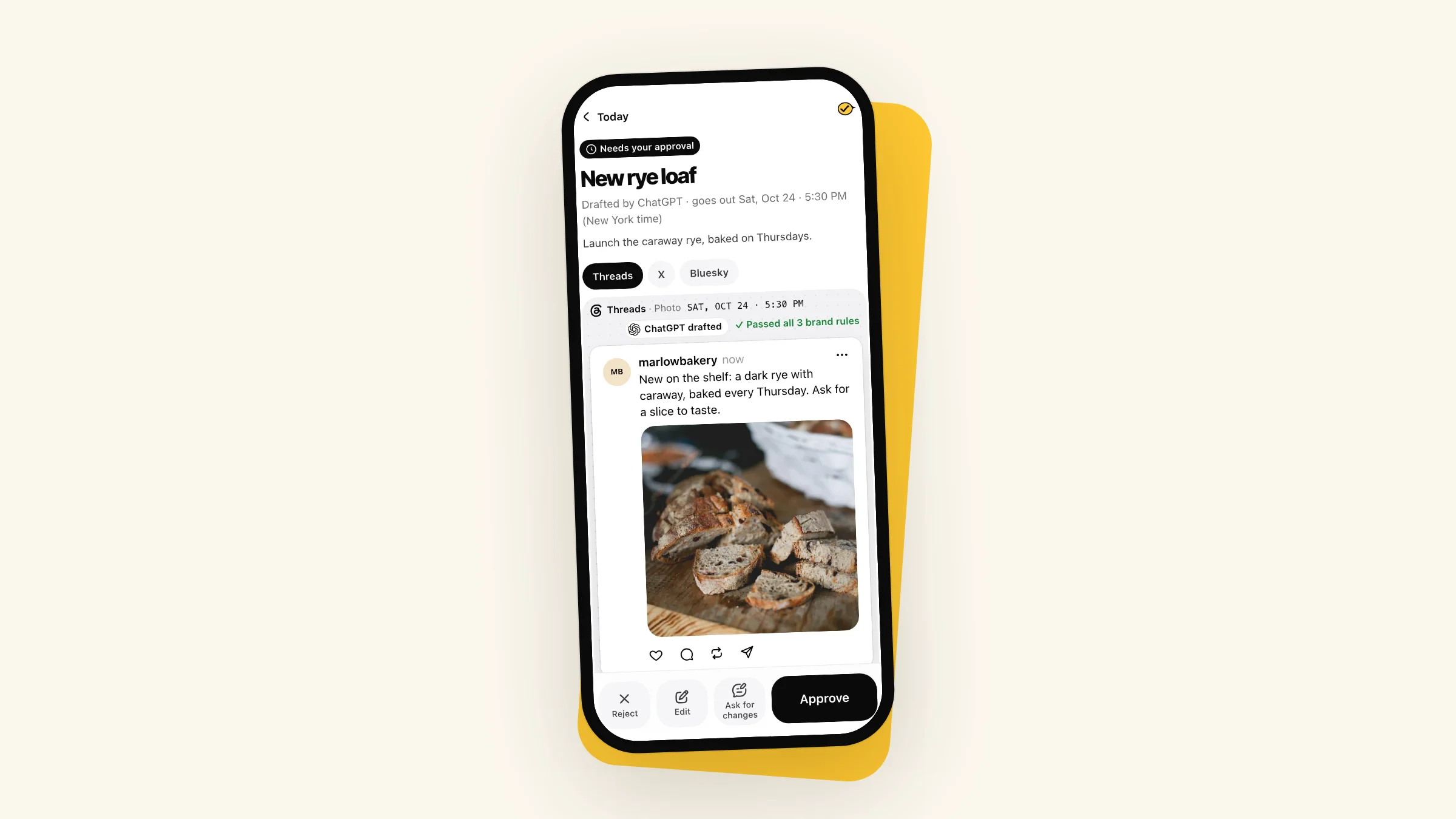
I built Yaybird for the case where an AI app like ChatGPT or Claude writes the post or the whole thread. Yaybird checks each part against 500 characters, flags more than one hashtag and shows you the thread as it will read: up to 25 parts, the first post included, with your brand link in the first part. By default nothing goes out until you approve it from your phone. The rules it checks are on the Threads page, and the free post preview shows how a post reads before it goes anywhere.
Questions
Can I edit a Threads post after I post it from my computer?
For 15 minutes. Threads' help center says you can only edit the text, within 15 minutes of posting, and you can't add or remove photos or videos. After that you can only delete it.
Why can't I find my draft from the app on my computer?
Threads' help center says drafts stay where you saved them: a draft saved on threads.com is only on threads.com, and one saved in the app is only in the app.
Can I schedule replies on Threads?
When Threads tested scheduling, TechCrunch reported that replies could not be scheduled. Threads' own posts about scheduling only talk about posts. Schedule the post, then reply once it is live.
Drafted with AI from our research, fact-checked against the platforms' docs and our code, and reviewed by Hamza.

About the author
I build Yaybird, where your AI writes the posts and you approve them on your phone.