Instagram line breaks: why they vanish and how to keep them
By HamzaPublished
In short
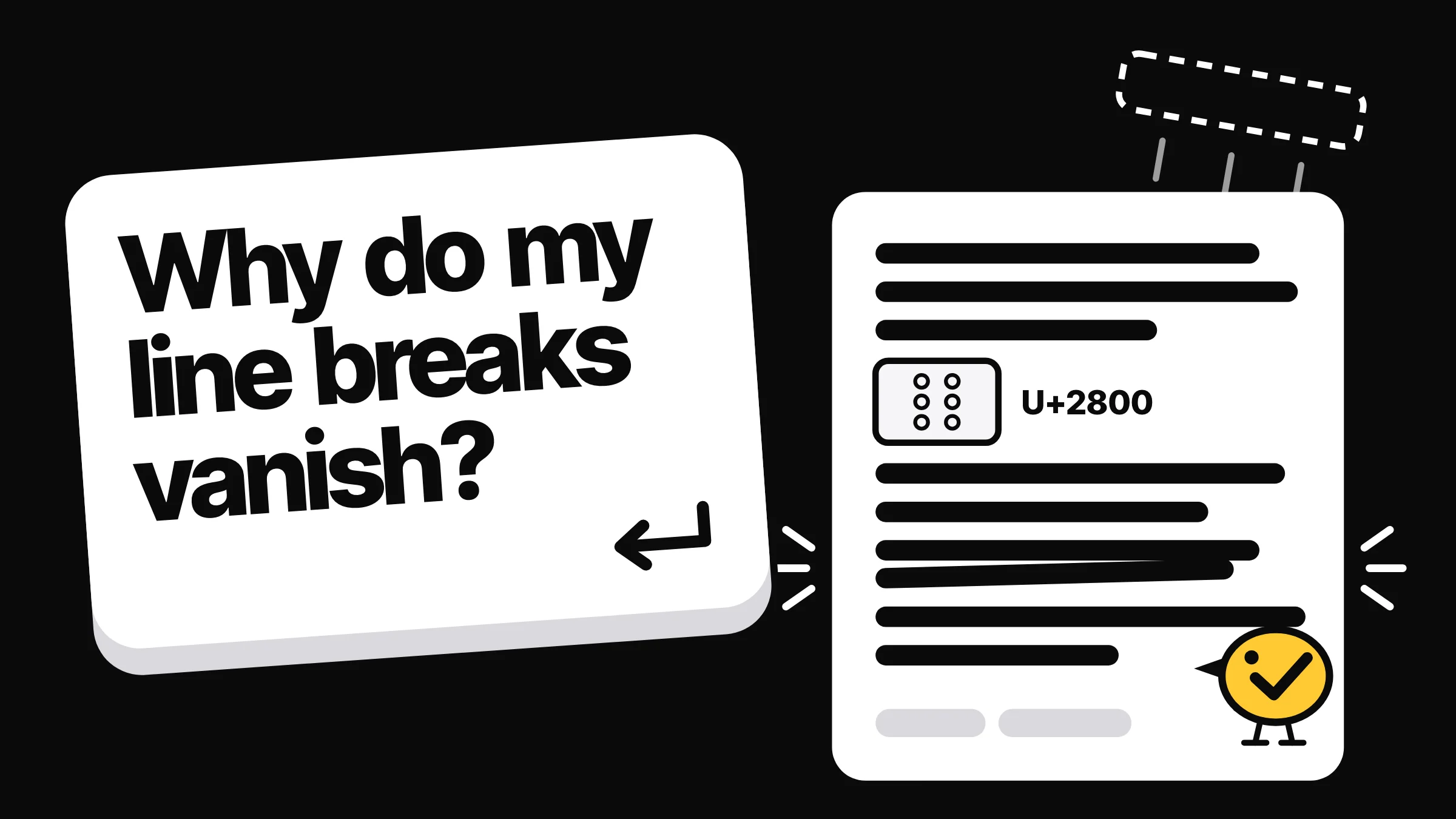
Instagram does not say why it drops line breaks, but two causes come up most: an empty line that collapses, and a space typed just before Return. Delete the spaces at line ends and put an invisible character (U+2800, the blank Braille pattern) on each empty line. It costs one character per gap out of 2,200.
Why Instagram line breaks vanish
You write a caption in three short paragraphs and Instagram shows one block of text. Instagram has never documented when it drops an Instagram line break, so what follows is what creators and posting tools report. Two causes explain most of it, and the fix takes seconds: no spaces at the ends of lines, and an invisible character on each empty line.
- Empty lines collapse. A line with nothing on it can be dropped, so two paragraphs run together. The guides I read agree on this one.
- A space before Return. A space at the end of a line can make the break after it disappear. Guides disagree here: Metricool calls trailing spaces the most common cause, while Influencer Marketing Hub says a space before the break does no harm. Removing them costs nothing, so remove them.
- Pasting from docs. Metricool says text from Google Docs or Word can bring hidden characters. A non-breaking space at a line end, for example, is invisible to you but is still a space.
- Emoji at the start of a line. One guide says a line that starts with an emoji can join the paragraph above it. I found no second source for this, so treat it as a maybe.
- App versions. Reports differ between guides and over the years. I found no page on line breaks in Instagram's help center.
How to keep line breaks in an Instagram caption
- Write the caption with the gaps you want, wherever you like.
- Delete any space at the end of each line, including the last one before an empty line.
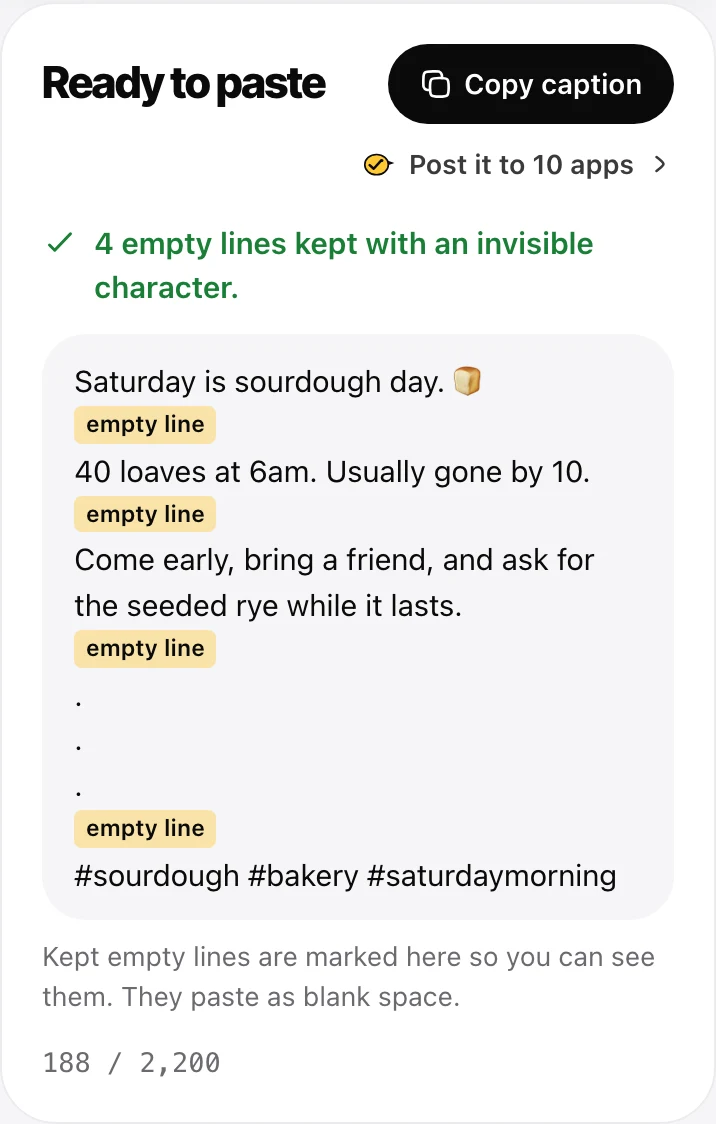
- Put one invisible character on each empty line, so the line is no longer empty.
- Check how it looks before you post.
Steps 2 and 3 are fiddly on a phone, which is why I built a free Instagram line break generator. Paste your caption and it removes every space at line ends (non-breaking spaces too), fills each empty line, and shows the result in an Instagram preview with a counter. It runs in your browser, so your caption is never sent anywhere. Prefer a visible mark? Pick a dot instead.
What the invisible character is
The character is U+2800, BRAILLE PATTERN BLANK. It comes from the Braille block of Unicode (section 21.1), where it is the Braille cell with no raised dots. On screen it draws as blank space.
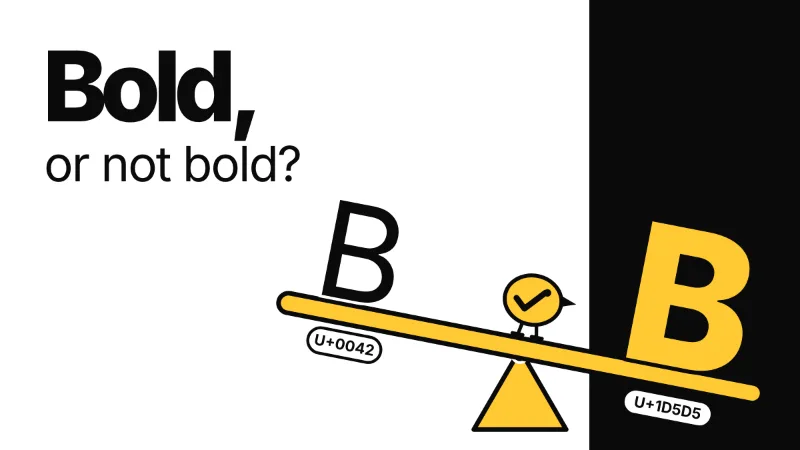
Instagram doesn't say why it survives either, but the likely reason is that, to a computer, it is not a space. Unicode files it as a symbol (category So in the Unicode Character Database), not as white space. So a line holding only U+2800 has text on it, and an app tidying up empty lines has no reason to touch it. It is the same idea as the bold letters people paste into LinkedIn posts: a different character, not formatting.
What it costs against the 2,200 limit
Meta's developer docs give an Instagram caption a maximum of 2,200 characters. The line breaks already count, and the invisible character adds one more per empty line. Four paragraphs have three gaps, so the fix costs 3 characters. Our tool's counter includes them.
What matters more is the top of the caption. In the feed, Instagram shows about the first 125 characters before "more". Instagram doesn't publish that number; it is the figure guides commonly use. Our tool's preview also cuts after 2 lines and counts an empty line as one of them, so in that preview a gap right under your first line leaves only that line in view. Put your hook first.
The old column of dots that pushed 30 hashtags out of sight matters less now too: Instagram caps hashtags at 5 a post.
Does it matter for your bio?
It can, and the fix costs more there. Instagram's help center says a bio can be up to 150 characters. Guides report gaps going missing in bios too and suggest the same invisible character, but each gap now costs 1 character out of 150 instead of 2,200, so use one gap, not three.
Meta's API lets an app read a bio but not change it ("This operation is not supported"). So a tool that posts through Meta's API can't fix your bio for you: you paste it into Edit profile yourself.
Does posting through the API keep line breaks?
Meta's docs for the caption field say nothing about line breaks. So we looked at our own posts. Yaybird sends a caption to Instagram as it was written; the only change is putting your link where {link} stands. Two of our posts sent that way, a carousel and a Reel, had plain empty lines between paragraphs, with no invisible characters. On instagram.com, both show every gap.
So in our posts, a caption sent through the API arrived as it was sent. That suggests gaps go missing when a caption is typed or pasted into the app, not on the way in through the API. It still depends on the tool doing the sending. If it trims or flattens text first, the breaks go there, so post one test caption with a gap and check it on your phone.
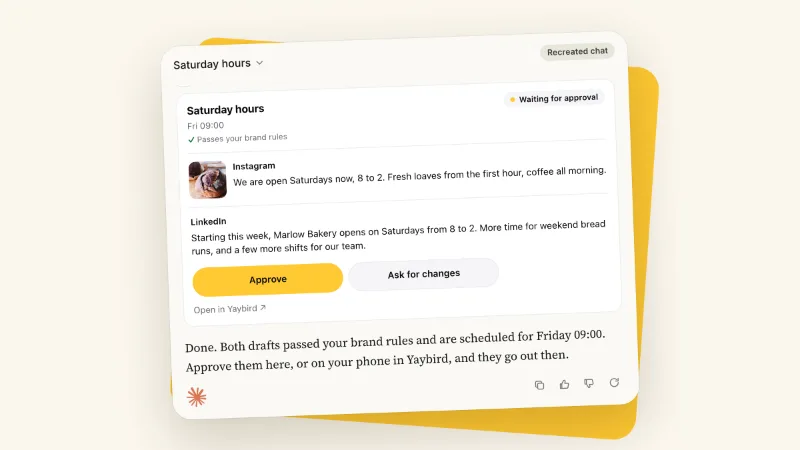
If an AI assistant writes your captions, you see them in Yaybird's Instagram preview, gaps included, and by default nothing goes out until you approve it from your phone. For Instagram's other limits, such as 5 hashtags and 20 mentions, see what Yaybird checks on Instagram.
Questions
Can I fix the line breaks after I post?
Yes. Instagram's help center says you can edit the caption of a post you already shared: open Options at the top right of the post (the three dots), tap Edit, paste the fixed caption over the old one, then tap Done.
Is a zero width space better than U+2800?
Some tools use the zero width space (U+200B) instead. Neither counts as white space in Unicode. The difference: U+200B is a formatting character with no width, while U+2800 is an ordinary symbol that happens to be blank. Our tool uses U+2800. Either costs one character.
Does the invisible character hurt reach?
Instagram has not said anything about it, and I found no test that shows an effect either way. It sits on a line of its own, apart from your words and hashtags.
Do line breaks work in Instagram comments?
Instagram documents nothing about line breaks in comments either. If a gap matters in a first comment, use the same fix: no spaces at line ends and an invisible character on each empty line.
Drafted with AI from our research, fact-checked against the platforms' docs and our code, and reviewed by Hamza.

About the author
I build Yaybird, where your AI writes the posts and you approve them on your phone.