Google Business Profile post rejected? Why, and the fix
By HamzaPublished
In short
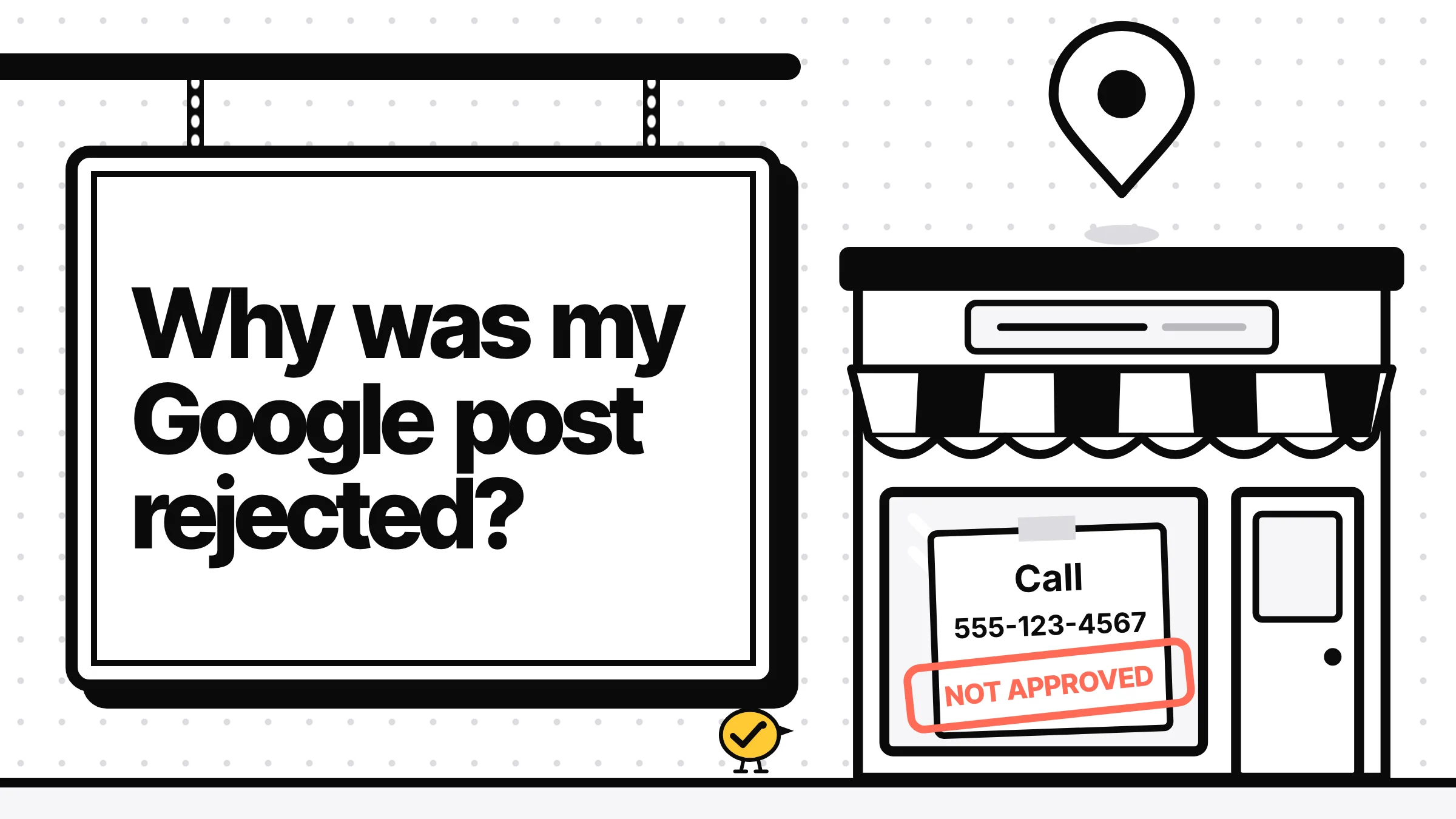
Google marks a post "Not approved" when it breaks the posts content policy: for example a phone number, email or social handle in the text, an offer from a hotel, or a post about a regulated product. The question mark next to the status names the policy. A post that disappeared may have been archived, since Google archives posts older than 6 months unless they have a date range, or it is Pending because the profile isn't verified.
Why was my Google Business Profile post rejected?
Google reviews every post after you publish it. If your Google Business Profile post was rejected, it shows Not approved, and the question mark next to that status names the policy it broke. The rules Google spells out are about contact details in the text, offers from hotels, regulated products and low-quality text or photos. If the post vanished instead, see why posts disappear below.
What each status means
| Status | What Google says | What to do |
|---|---|---|
| Live | Public on Search and Maps | Nothing |
| Pending | Not shown. Still uploading or processing, or your profile is unverified | Wait, or check your verification |
| Not approved | Not shown. Breaks the posts content policy | Tap the question mark, fix that one thing, post again |
The rules Google names
All from Google's posts content policy and posts help page:
| Cause | Google's words | Fix |
|---|---|---|
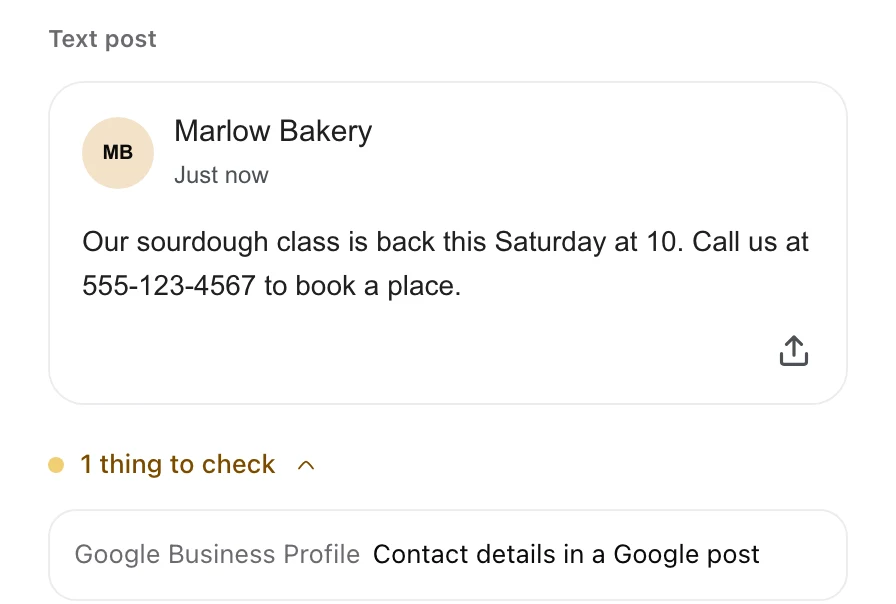
| Phone number, email or @handle in the text | "we may remove posts with unverified contact information. This includes phone numbers, email addresses, and social media handles." | Take it out and add a Call now button, which uses your verified number |
| A hotel posting a deal | Hotels "can't create 'offer' posts, or any post that mentions or includes links to deals, promotions, special offers, or discounts." | Post an update about the stay, with no price or discount |
| Regulated products | Allowed to post, but "do not include content about the products" (such as alcohol, tobacco, pharmaceutical products, health and medical devices, gambling, fireworks, weapons and financial services) | Post about the business, the place or an event, not the product |
| Low quality | "Avoid misspelled words, extra characters, text that adds no value, and auto-generated or distracting content." | Write it like you'd say it to a customer |
| Bad links | No links to "malware, viruses, phishing, or pornographic material" | Link to your own site |
| Offensive or sexual | No inappropriate, offensive or sexually suggestive text, photos or videos | Rewrite or swap the photo |
Two causes that are easy to miss:
- "Auto-generated" is in Google's list. Google doesn't say it rejects AI-written posts, but it names auto-generated text and text that adds no value. A generic AI caption ("Come visit us for an amazing experience!") is exactly that. Give it something real: the date, the dish, the price, the reason to come.
- The photo can be the problem too. Google's media tips, linked from the policy, ask for photos you took at the place and say to avoid stock photos, screenshots, collages and added text or borders. Low quality media "may be removed", and those removals "can't be appealed".
Why your post disappeared
- It's older than 6 months. Google's help says posts older than 6 months are archived "unless a date range is set". Events and offers carry dates, so give them real ones. Some tools, Zernio's docs among them, still say posts last about 7 days. Google's own page is the one to trust.
- It's Pending. On an unverified profile, posts don't show on Search or Maps at all.
- The profile was suspended. Then posts are the least of it: start with Google's page on fixing suspended profiles.
How to appeal a rejected post
Fixing the cause and posting again is the quickest route you control. If you think Google got it wrong, the route depends on where the business is, per Google's appeals page:
- UK or European Economic Area: use the Business Profile appeals tool. It covers restricted media, including posts, and shows the reason and the policy.
- Everywhere else: use Contact us on that page.
Google says an appeal can take up to 5 business days, not to send another for the same issue before you hear back, and never to make a new profile for the same business.
If you post through a scheduling tool
Tools post through Google's API, often with a service in between, and that path has its own limits. Google reviews a post after it is published, so a tool can show a post as sent that Google then marks Not approved: check the status on your Business Profile itself. Through Zernio, the service Yaybird posts with, a post takes 1,500 characters, one photo and no video, with the photo at least 400 x 300 px.
When I added Google Business Profile to Yaybird, I made it flag a post whose text has a phone number (any nine digits or more) or an email address, two of the three things Google names. You see the warning while you write the post in Yaybird, and an AI app sees it when it checks a draft. It doesn't catch a seven-digit local number or an @handle yet, so read for those yourself. It also can't add Google's Call now button yet; people can still call from the number on your profile. An event or offer without a title, start and end is refused before it goes out, because Google needs them. More on keeping rules like these in one place: brand rules for AI posts, and approve each post from your phone before it reaches your profile. Yaybird posts to Google Business Profile and nine other platforms.
Questions
Can I put my phone number in a Google Business Profile post?
Google says a post with a phone number "might get rejected" if the number can't be tied to the business. Add a Call now button instead, which uses the verified number on your profile.
How long do Google Business Profile posts stay up?
Google's help says posts older than 6 months are archived unless a date range is set. Some tools still say about 7 days; Google's own page is the one to trust.
Will a rejected post get my profile suspended?
Google doesn't say one rejected post leads to a suspension. Fix the cause instead of sending the same post again and again, and keep to the policy: Google says it may suspend profiles that don't follow its guidelines.
Drafted with AI from our research, fact-checked against the platforms' docs and our code, and reviewed by Hamza.

About the author
I build Yaybird, where your AI writes the posts and you approve them on your phone.