Is it safe to connect ChatGPT to Instagram? And Claude?
By HamzaPublished
In short
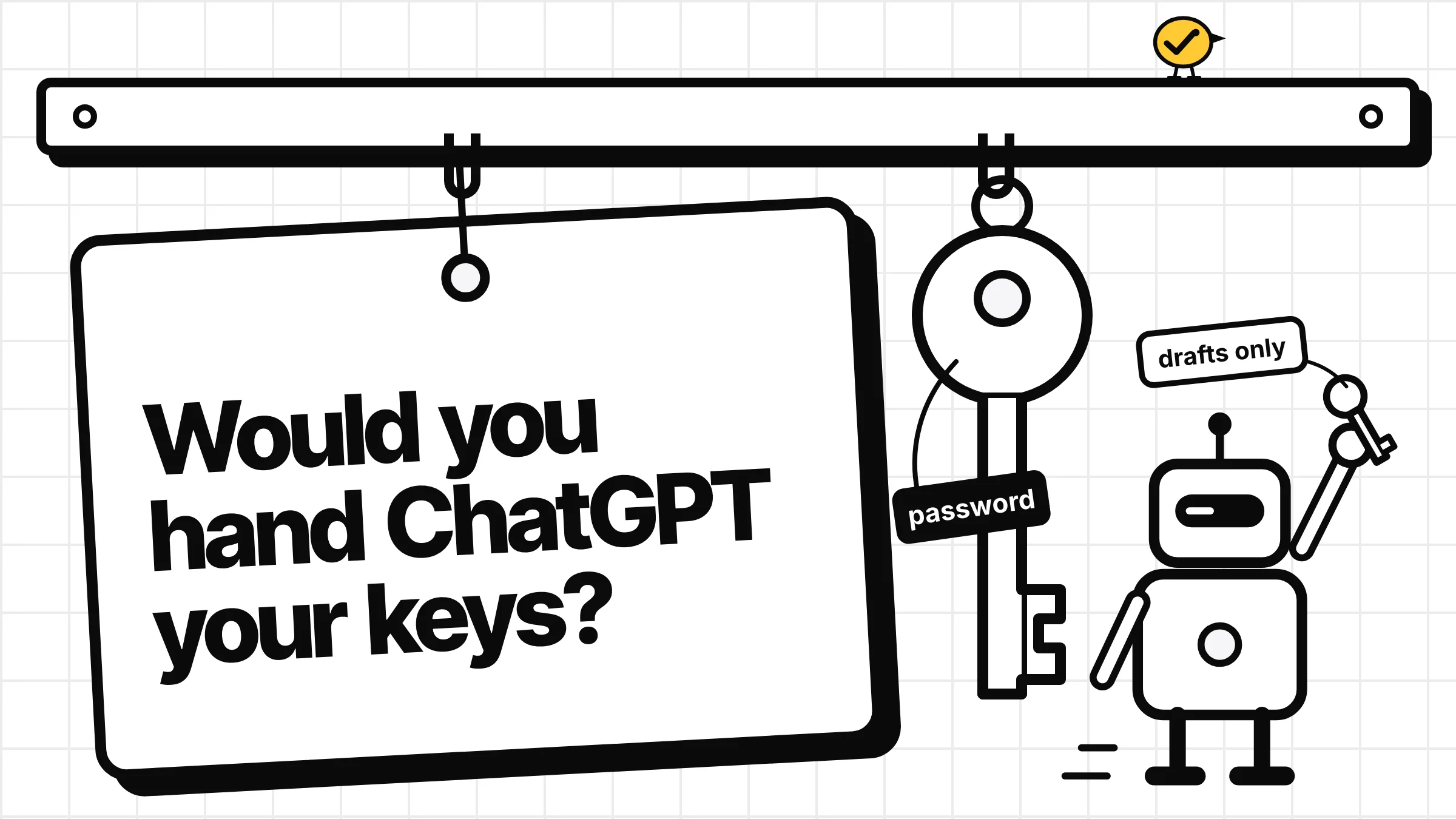
It can be, if the AI never sees your Instagram password and can't publish without you. Connect through a tool that signs you in on Instagram's own page, gives the AI drafts only, and lets you cut it off at once. Giving anyone your password, or using a connector whose AI can post or send messages on its own, is where the risk is.
Is it safe to connect ChatGPT to Instagram?
It can be, for ChatGPT and Claude alike, when two things hold: the AI never gets your Instagram password, and it can't publish anything until you approve it. ChatGPT and Claude have no Instagram access of their own. They reach it through a tool you connect, or a browser they drive for you, so the real question is what that tool lets the AI do.
Four ways people connect an AI to Instagram
| How | What can go wrong |
|---|---|
| Giving a tool or the AI your password | Instagram's help says an app with your login, "whether with an access token or by giving them your username and password", can gain complete access to your profile. Instagram's Terms of Use ban collecting passwords and accessing Instagram "in an automated way without our express permission". |
| An AI browser signed in as you | It acts with your full account, and that same automated-access line in the terms applies. I'd keep it away from accounts you can't lose. |
| A connector that wraps all of Instagram | Some expose a long list of Instagram actions. One we looked at lists 32 tools, including publishing, sending DMs and deleting comments. The chat's confirm prompt is then the only thing between the AI and your followers. |
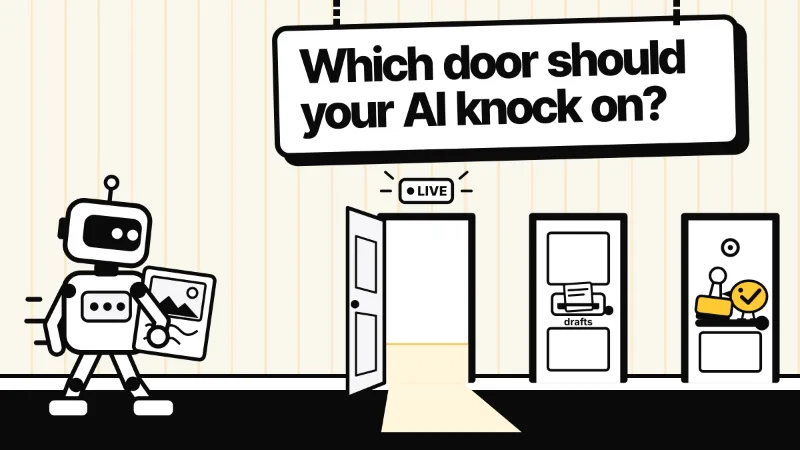
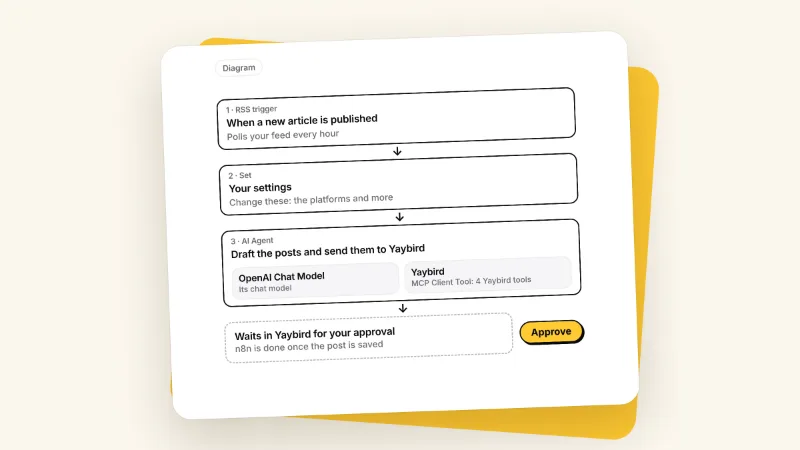
| A posting tool where the AI only drafts | The AI writes; a person approves each post in the tool before it goes out. The risk drops to what the AI can read. |
The third way deserves a second look. In ChatGPT, "Allow all actions", where an app offers it, lets supported actions run without another confirmation, and Claude's "Allow always" does the same for a tool. Anthropic says to choose that only for a tool you trust to run unsupervised. Some connectors also work by a secret link: in Truto's setup, unless you turn on an extra check, having the link is enough to use it. Treat a link like that as a password.
Five checks before you connect
- You sign in on Instagram's or Facebook's own page. Never type your Instagram password into a chat or into another company's form.
- Read Instagram's permission screen. It lists what the tool asked for, such as publishing, comments, insights or messages. Then look at what the tool lets the AI do with it. They are two separate lists.
- Know what the AI's side allows. OpenAI's help is clear that permission settings only change when ChatGPT asks: they "do not grant an app new access". What the AI can actually do is set by the tool.
- The approval lives in the tool, not the chat. A chat prompt approves one tool call. You want the tool that publishes to refuse anything a person hasn't approved. I wrote up what a real approval step looks like.
- You can cut it off in three places. Disconnect it in ChatGPT (Settings, then Plugins) or Claude (its connector settings), in the tool, and in Instagram, which tells you to revoke any suspicious third-party apps.
How Yaybird handles it
I built Yaybird for this, so here is what the code does, not the marketing:
-
You sign in on Instagram's own page, and the AI never gets a token. Yaybird connects accounts through Zernio, the posting service we use. Zernio holds the Instagram token; Yaybird keeps none, and nothing it hands the AI contains one. One thing you'll see: Instagram's screen also asks for message access, because Zernio asks for every permission it supports unless told otherwise. Yaybird has no tool that reads or sends your DMs.
-
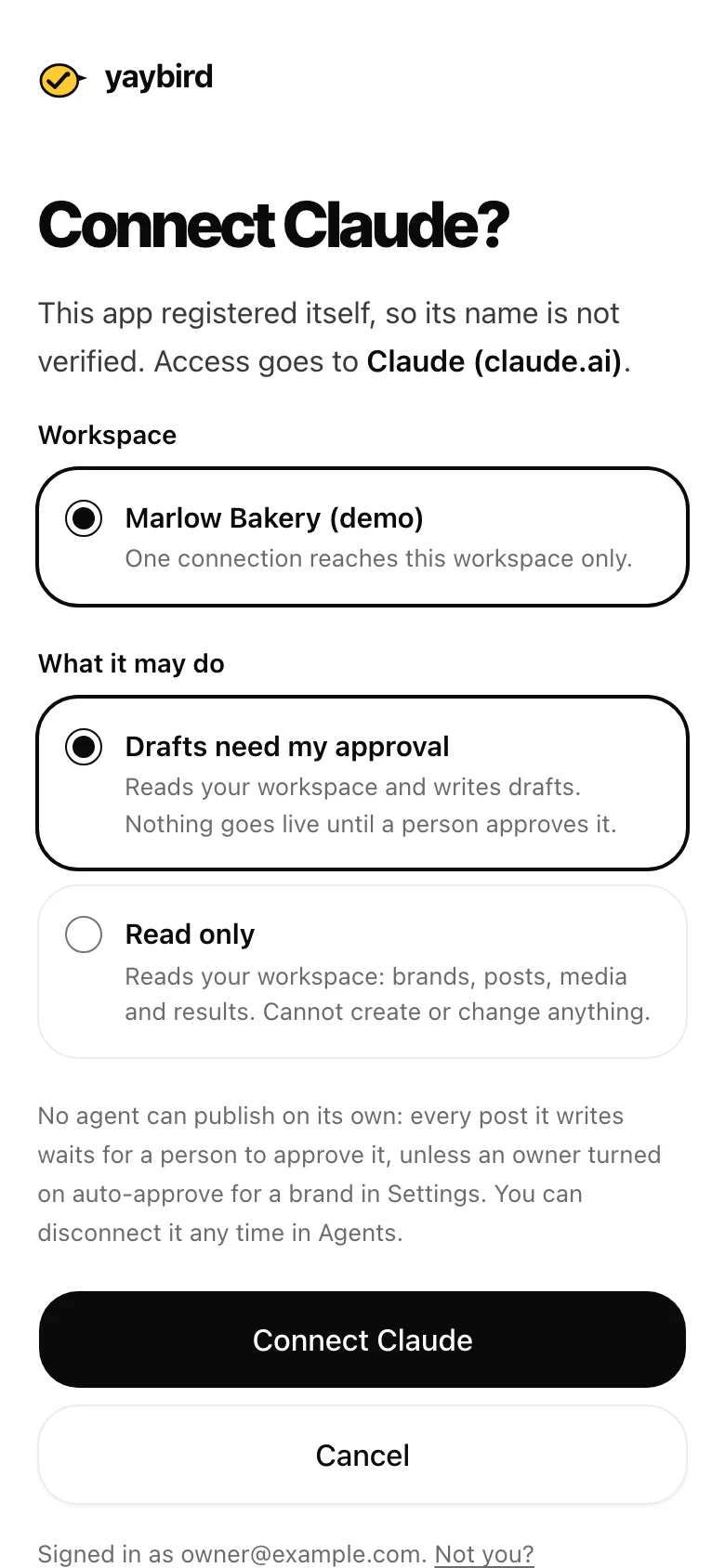
You choose what the AI may do. When you connect ChatGPT or Claude, Yaybird's consent page names the app the access goes to and offers two levels: "Drafts need my approval" (the default) or "Read only", which can't create or change anything.
-
No level lets an AI approve. The publisher only takes a post a person made or one a person approved, and an AI changing what an approved post says sends it back for approval. The one exception is per brand and yours to make: "Post on its own" (auto-approve), off until you turn it on.
-
Revoking works on the next call. Every request from the AI is checked against the connection in our database, so Revoke on Yaybird's AI apps screen (under Settings) stops it right away. A teammate who can only view gets an AI that can only read.
-
Approving in the chat is for people only. On Claude and ChatGPT, the Approve button in Yaybird's post card needs a one-time key, good for 30 minutes and one version of one post. Claude and ChatGPT hand that key to the card, not to the AI; we rely on them for that part. The button shows only for people allowed to approve.
What a drafts connection can still do: read your workspace (posts, media, results and comments), write post and reply drafts, add brand rules (removing one waits for an owner), put an approved post back on hold, retry an approved post that failed, and cancel posts an AI made. You approve posts from your phone or in the chat, and how AI apps connect to Yaybird has the setup.
If something already went wrong
Instagram's advice for a profile posting things you didn't: change your password, revoke suspicious third-party apps, turn on two-factor authentication, and check that the phone number and email on your account are yours (Instagram Help). Then disconnect the tool in ChatGPT or Claude too. For how posting itself works from each assistant, see can ChatGPT post to social media and what Instagram allows.
Questions
Does OpenAI train on my Instagram posts if I connect an app?
On ChatGPT Business, Enterprise and Edu, OpenAI says it does not use information from apps for training by default. On Free, Plus, Go and Pro it may, if "Improve the model for everyone" is on in your settings.
Can ChatGPT read my Instagram DMs once it's connected?
Only if the tool you connect asked Instagram for message access and gives the AI a tool to use it. Read the permission screen when you connect, and the list of actions the tool offers the AI.
Is connecting Claude safer than connecting ChatGPT?
Neither is safer by itself. Both reach Instagram only through a tool you connect or a browser they drive for you, so what matters is that tool's permissions and whether it waits for your approval. Anthropic's own advice is to connect only servers you trust.
Drafted with AI from our research, fact-checked against the platforms' docs and our code, and reviewed by Hamza.

About the author
I build Yaybird, where your AI writes the posts and you approve them on your phone.